A closer look at Vega.
A clearer welcome. A readable feed. Room for a longer story. Settings that explain themselves. Explore real screenshots from Vega v0.16.1; open any image for the full-size view.
A welcome before a key.
Vega explains what Nostr is before asking you to begin. Create an account, bring an existing key, or look around without an account first.
Open welcome screenshot full-size ↗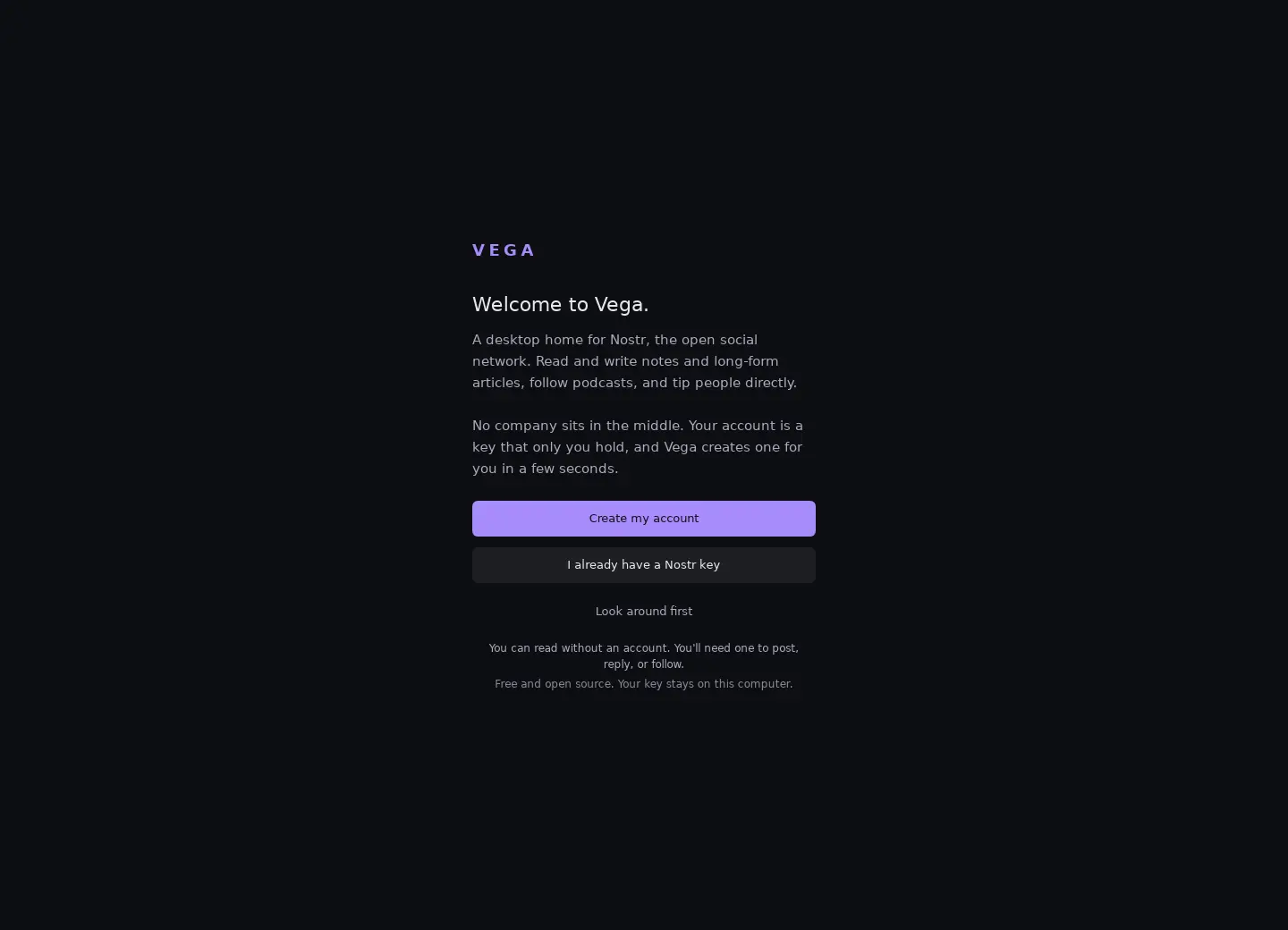
A little more breathing room.
Notes sit in one readable column, with navigation to search, articles, media and podcasts alongside. The browsing banner offers Create account and I have a key. This is the public feed while browsing without an account.
Open feed screenshot full-size ↗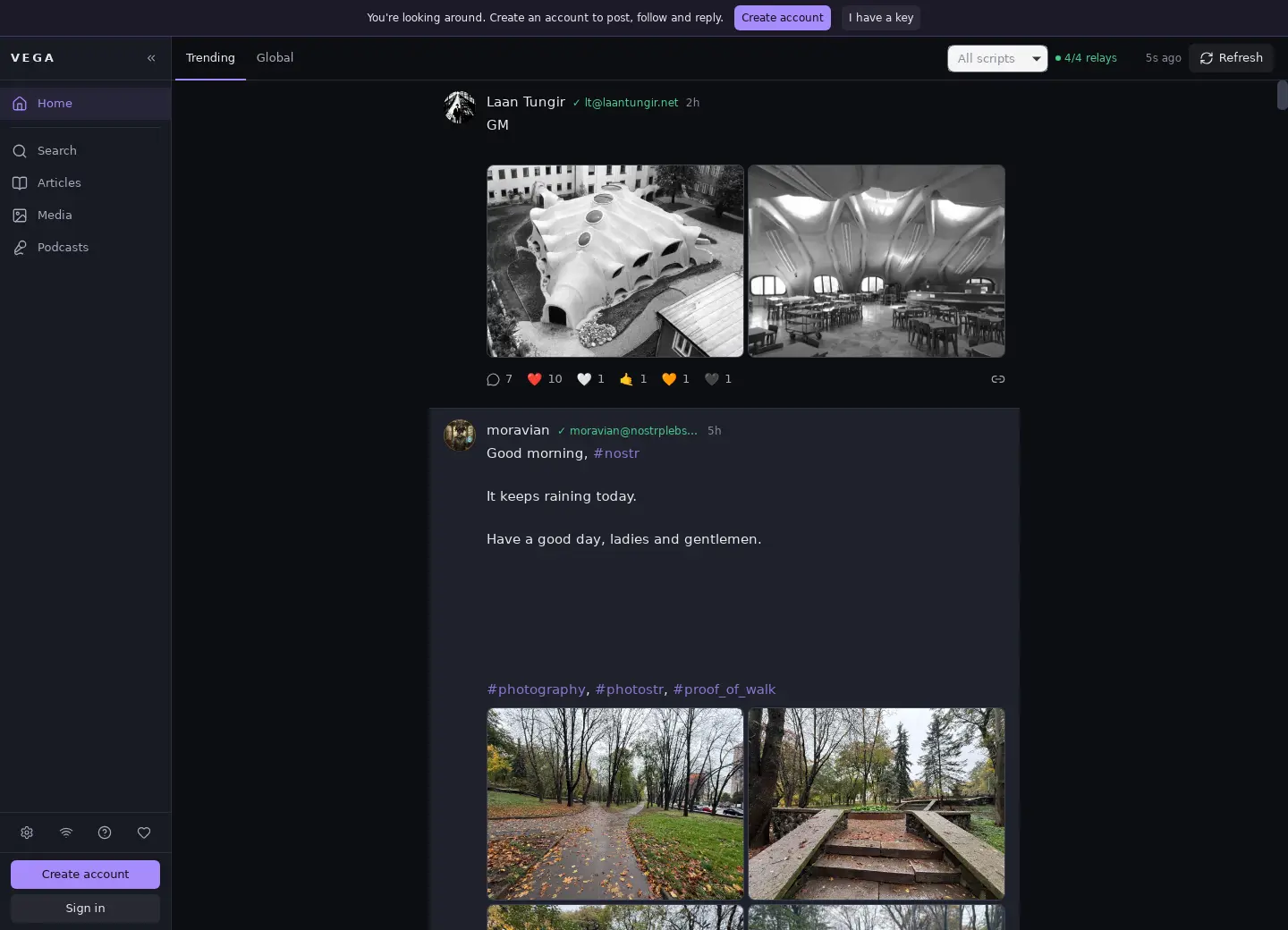
Settle into the whole story.
The article reader uses Literata, a reading typeface bundled with Vega. Text scales with the window, with a measured line length and a contents list for navigation.
Shown here: the text of a real public Nostr article, not a sample created for this website.
Open reading screenshot full-size ↗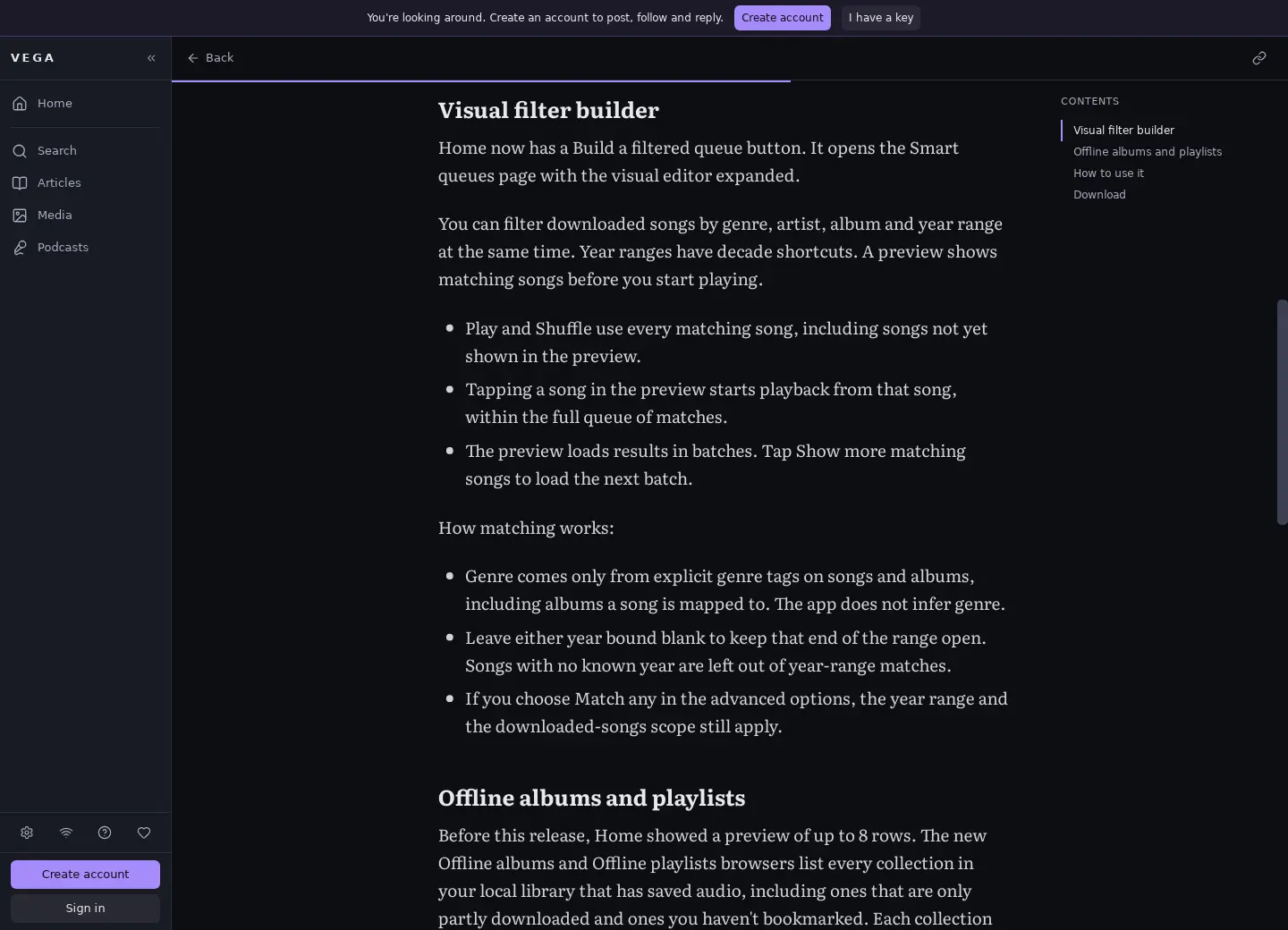
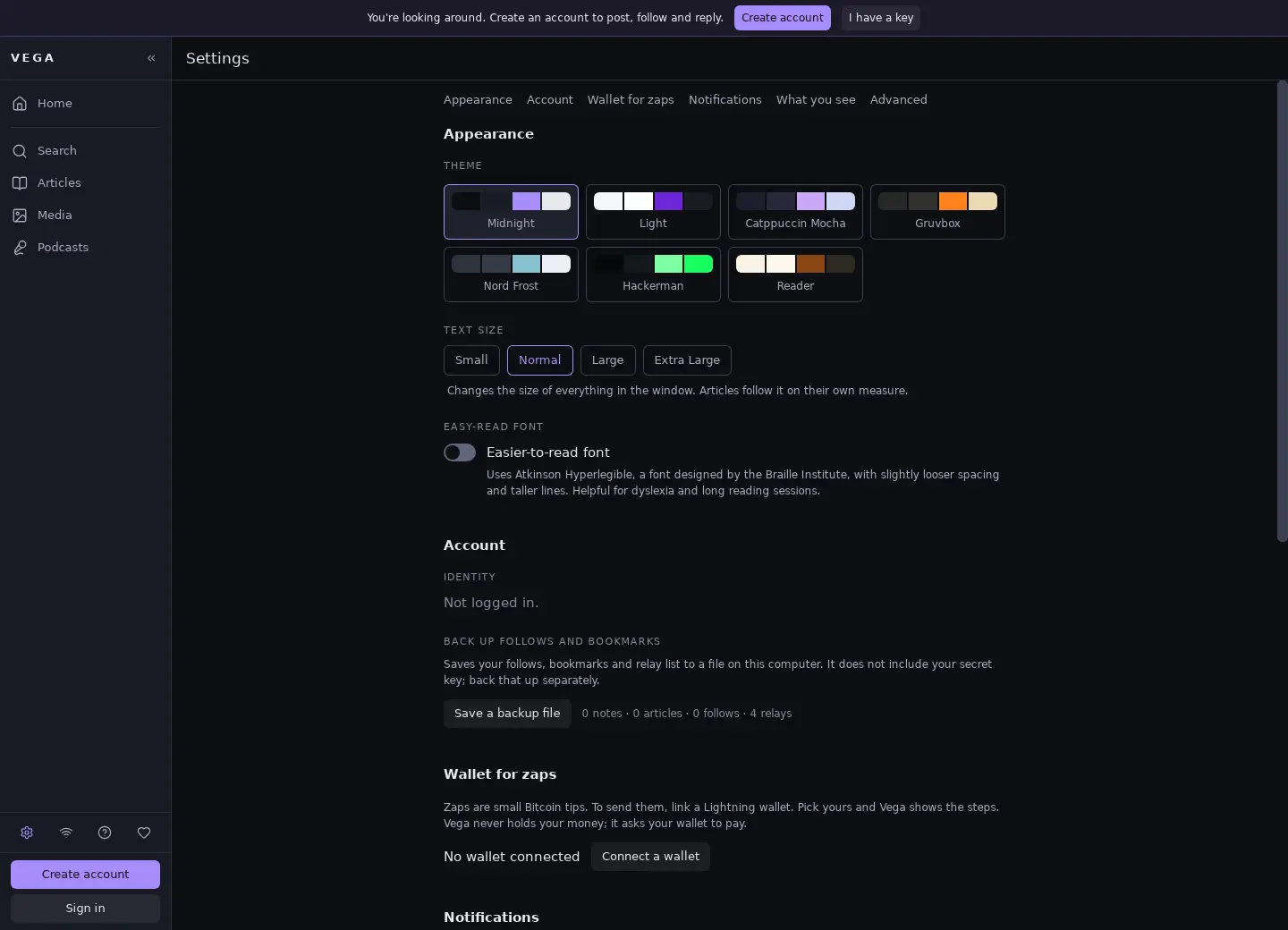
Make it feel like yours.
Seven themes, window-wide text sizing, and an easier-to-read font option. Settings are organized into six groups, from Appearance to Advanced.
Open settings screenshot full-size ↗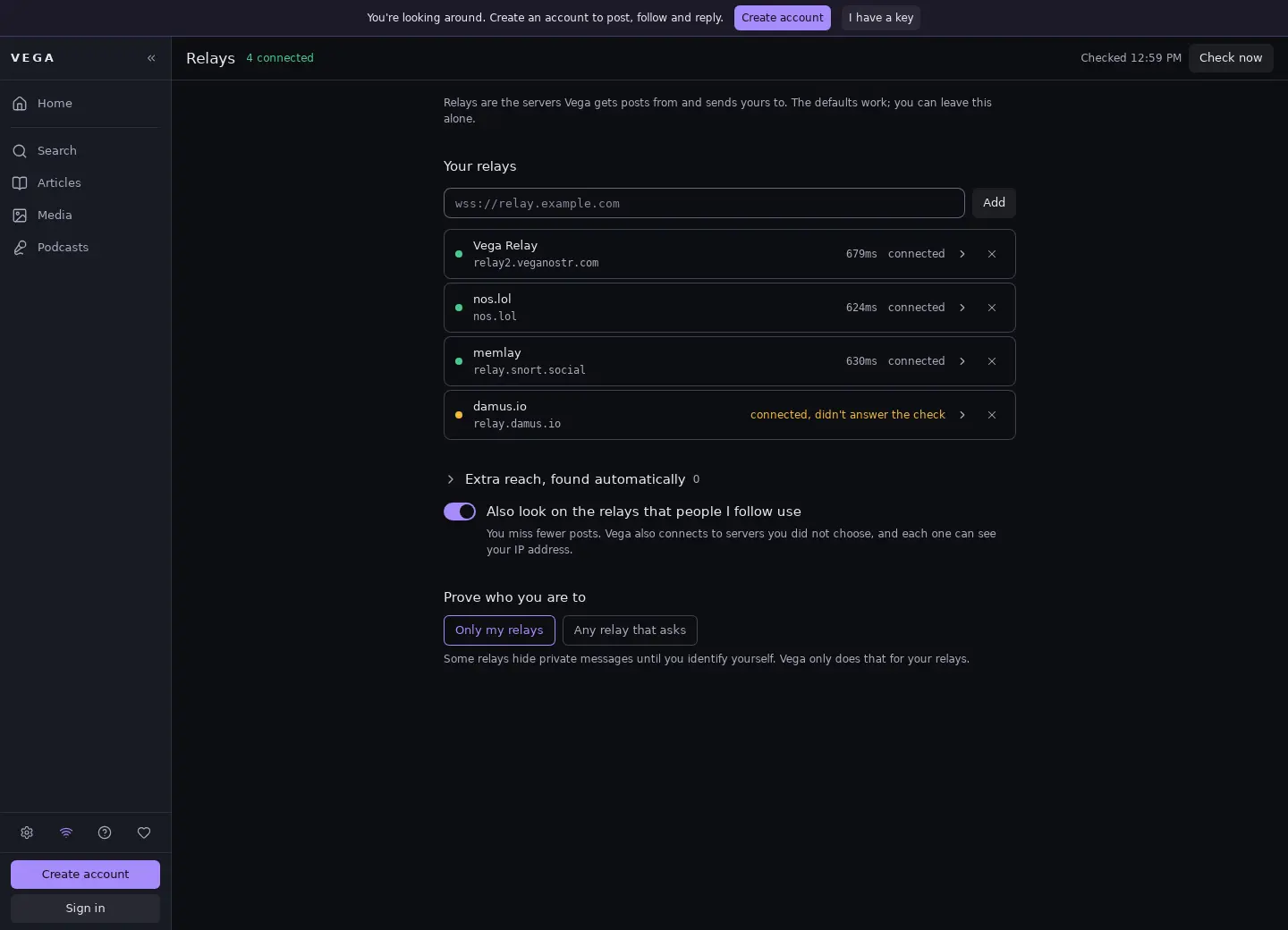
Know where you’re connected.
Relays are the servers that carry Nostr messages. Vega explains their role, separates your relays from discovered ones, and gives each a clear status.
Open relays screenshot full-size ↗Captured from the native Vega v0.16.1 app while browsing without an account on October 20, 2026. Feed and article content comes from public Nostr posts.
These screenshots show the app’s English interface.
See it on your own desktop.
Free and open source. Available for Windows, macOS and Linux.